Connect Contextick to ChatGPT
Contextick is in ChatGPT's plugin directory, so connecting it is a search and a click — on any plan, the free one included. Set it up once and OpenAI's Codex has it too: plugins are shared across ChatGPT and Codex, so there's nothing extra to do there. Here's the whole path.
What you'll need
- Any ChatGPT plan, including Free. The plugin directory is there on every plan — no Plus or other paid subscription, and nothing to apply for.
- ChatGPT on the web or the desktop app. The plugin directory isn't in the mobile app — set it up on a computer. Once it's connected, that's a one-time thing.
- A Contextick account. You'll sign in with Google during the connection, so no API key is needed — ChatGPT's plugins use OAuth and don't accept a pasted key.
One thing to expect: ChatGPT asks you to confirm before an action that writes data. So each time you ask it to save something to Contextick, you'll get a confirmation prompt. That's ChatGPT's behaviour, not something we can turn off — you can approve a tool for the rest of a conversation to cut down on the clicking.
Steps
- In ChatGPT, open Settings → Plugins, or the Plugins entry in the sidebar.
- Search for Contextick and open its listing — this link goes straight to it. Then choose Install plugin.
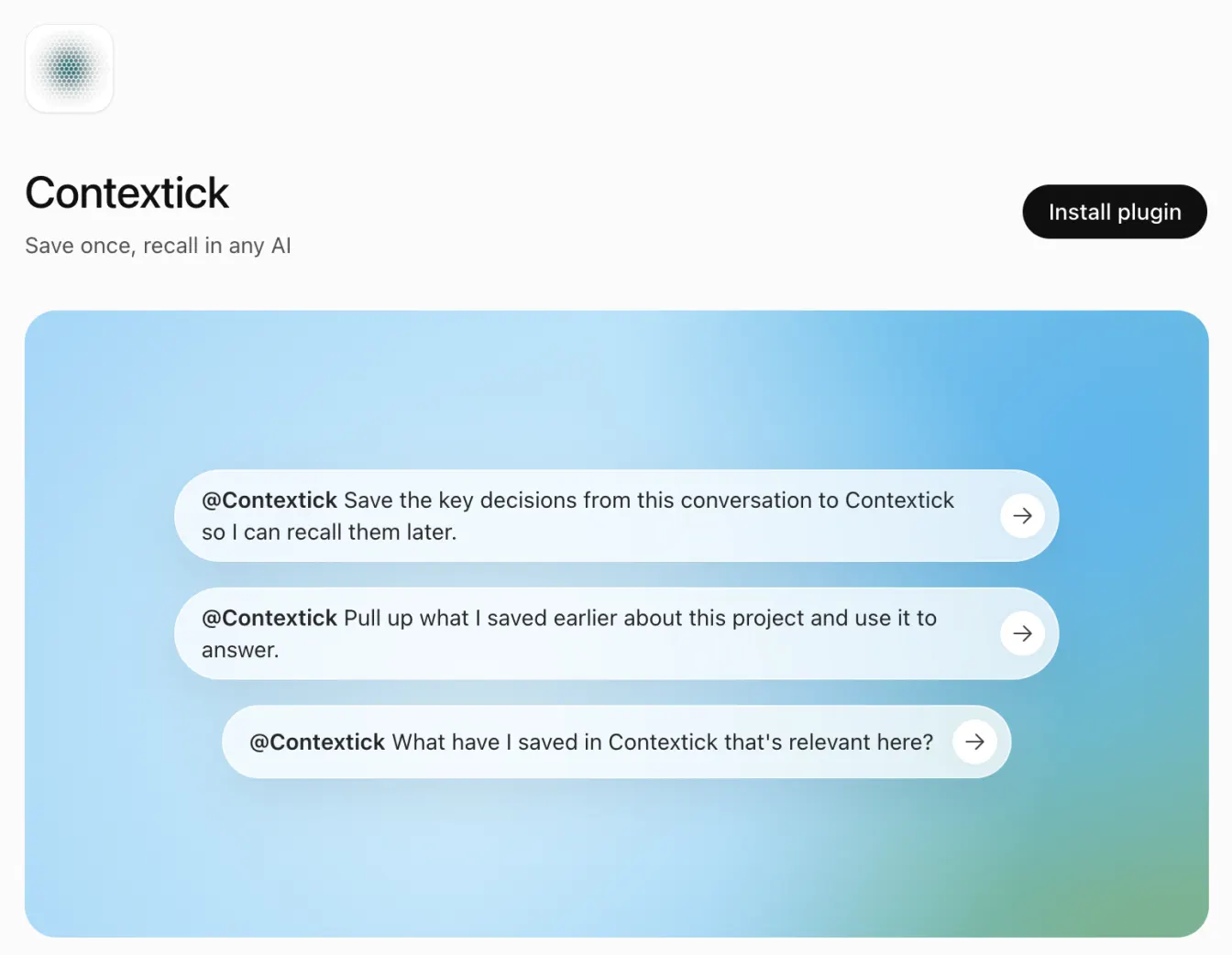
- Connect it. ChatGPT sends you to Contextick to sign in with Google and approve access. That approval is what links the plugin to your knowledge — nothing to paste, nothing to copy.
- Contextick is now available in ChatGPT. Bring it into a conversation by typing @Contextick, or from + → More in the composer.
Check it worked
Test it in two parts, and make the second part a new chat. If you ask in the same conversation, ChatGPT can answer from what you just said without ever calling Contextick — so a broken connection would still look like it worked.
- Save something you'd actually want back. At the end of a conversation where you worked something out, say: "@Contextick save what we landed on for the kitchen renovation budget." Confirm when ChatGPT asks — that's the write confirmation.
- Open a new chat and ask: "@Contextick what did we land on for the kitchen renovation budget?"
If it comes back in the new chat, you're connected — and you've just seen the point of it: you didn't have to explain any of it again. Anything you save here is available in Claude or any other AI you connect to Contextick.
If it doesn't show up
- You can't find Contextick in the directory. The directory itself is on every plan, but whether you can install a given plugin also depends on your workspace and your region. On a Business, Enterprise, or Education workspace, an owner controls which plugins members may install — if the button is greyed out or says the plugin is disabled by an admin, that's who to ask. You do not need to upgrade your plan.
- ChatGPT never offers Contextick. Call it directly: type @Contextick, or pick it from + → More in the composer, and then ask — "save this to Contextick".
- Saving does nothing. Look for the confirmation prompt — writes wait on your approval, and it's easy to miss.
- Deep research or agent mode can't see it. Those modes handle plugins differently. Use a normal chat.
Official docs
OpenAI's own guide: Plugins in ChatGPT and Codex. ChatGPT's plugin features keep changing, so if a screen here doesn't match what you see, their docs are the place to check.